How to Choose the Best 12V Mini UPS for Your Needs
Choosing a 12v Mini Ups starts with the devices you need to keep running, not the biggest number printed on a box. A modem may draw little power, while a router, camera, or fiber terminal can have different voltage and current requirements. Check each device’s label, connector size, and polarity before comparing models. Then consider runtime, battery capacity, output ports, charging time, and whether the UPS can switch over smoothly during an outage. Small details matter. A plug that almost fits is not a safe match.
For a transparent expert-style reminder, fictional power-systems engineer Maya Chen puts it this way: “Match the UPS to the real load, then verify the connection.” This is an illustrative line, not a quotation from a real, independently verified expert. The advice is still practical: advertised runtime can differ from what your setup achieves, especially as batteries age or several devices share one unit. Measure where possible, and leave some capacity in reserve. A 12V Mini UPS should suit your equipment and your routine, whether it sits beside a home router or supports a small security system. This guide will help you compare those trade-offs without treating one specification as the whole answer. There is no perfect model for everyone. A little checking now can prevent a frustrating mismatch later.
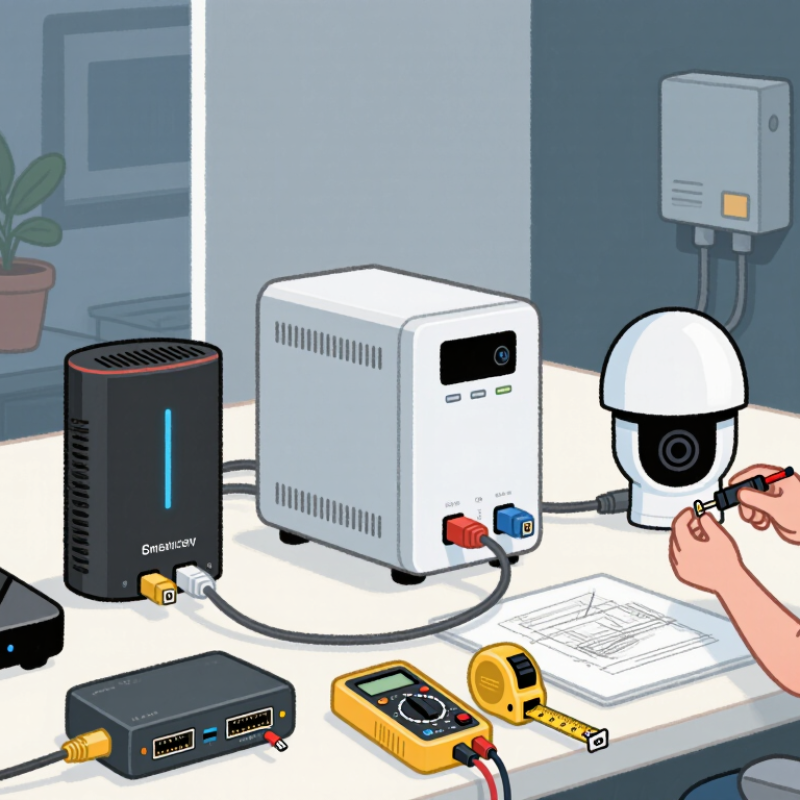
Assess Your Devices and Backup Requirements
Before choosing a 12V mini UPS, list the devices you need to keep running. A router, modem, and small security camera may all use 12V, but their power needs can differ. Check each device’s label for voltage, current, connector size, and polarity. The voltage must match, and the UPS must supply enough current for the connected load. Check the label. A connector that fits can still have the wrong polarity.
Estimate the total load in watts and decide how long backup power must last. A router drawing 10 watts needs about 20 watt-hours for two hours, before conversion losses. Actual runtime will be shorter, so allow a buffer. Measure, do not guess. Battery capacity listings can be confusing because some show energy at the battery’s internal voltage, not at 12V output. Look for watt-hours when possible, and confirm the UPS supports all devices at once. Also consider brief startup demand, especially for equipment with motors or other variable loads. It is easy to plan around a typical outage and overlook a longer one; that part deserves a second look. If only the internet connection matters, powering the modem and router may be enough. Test the setup at home and note the actual runtime.
Check Voltage, Current, and Connector Compatibility
Choosing the best 12V mini UPS begins with the device label. Confirm that the device requires 12V DC; a matching plug alone does not make another voltage safe. Then check its current draw in amps. The UPS output should support at least that amount on the port you plan to use. A router may draw more briefly when starting, so leave some headroom if its specifications are unclear. Small details matter.
Tips: Match the connector’s size and polarity, not just its shape. Common barrel plugs include 5.5 × 2.1 mm and 5.5 × 2.5 mm, which can look nearly identical. Check whether the center pin is positive or negative in the device manual or printed symbol. I still double-check this; it is easy to miss. Never force a plug that feels loose or stiff.
Before buying, compare the UPS’s per-port output rating with your device’s requirements, especially if several devices will share it. A suitable adapter can solve a plug mismatch, but it cannot correct the wrong voltage or polarity. If a label is worn, measure the connector or ask the manufacturer for its exact specifications. Guessing is tempting. It is also avoidable.
Estimate Runtime from Battery Capacity and Power Draw
A 12V mini UPS runtime depends on usable battery energy, not the mAh figure alone. Check the battery’s voltage and capacity, then estimate watt-hours: volts multiplied by amp-hours. For example, a 12V, 5Ah battery stores about 60Wh before conversion losses. A 10W router might appear to run for six hours on paper. In practice, the inverter or voltage converter uses some energy, so the actual time will be shorter.
Use this rough formula: runtime in hours equals battery watt-hours multiplied by system efficiency, divided by device watts. If you assume 80% efficiency, that 60Wh battery offers about 48Wh for the load. At 10W, estimate roughly 4.8 hours. Check the UPS output rating too; a device drawing more power than it can supply may shut it down. Small details matter. A router’s label may show maximum draw, while typical use is lower.
Leave a margin. Battery age, room temperature, and power spikes can all reduce runtime. A battery that has been sitting unused may not deliver its rated capacity. The estimate is only a starting point, not a promise. For a more reliable figure, time a test with your actual router and modem connected, then note the remaining charge after an hour. This takes effort, but it catches assumptions a calculator misses.
How to Choose the Best 12V Mini UPS for Your Needs
Estimate runtime from battery capacity and power draw. This chart uses a 12V, 2Ah battery (24Wh nominal) and assumes 80% of its energy is usable, giving an estimated 19.2Wh. Divide usable energy by the connected device’s power draw to estimate runtime.
Runtime estimates assume a steady load. Actual results vary with conversion losses, battery age, temperature, and the UPS’s low-voltage cutoff.
Compare Output Ports, Charging Options, and Safety Features
Choose a 12V mini UPS by matching its ports and power limits to the devices you need to keep online. Check each device’s label for voltage, current, and connector type. A router may use a barrel plug, while a fiber terminal may need a different connector or polarity. One mismatch can stop the setup from working. Do not assume every USB port supplies 12V; many provide 5V only. Small details matter. Port labels can be unclear, so double-check instead of guessing.
Tips: List your devices and their required voltages before shopping. Check whether the UPS has enough matching outputs to power them at the same time. Confirm the supplied cables fit securely. Test the setup before relying on it.
Compare charging options, too. Some units recharge through a wall adapter, while others may accept USB-C or another input. Verify the permitted input voltage and charging method in the product specifications. A convenient cable is not automatically a compatible one. Also check the stated backup time under load; a large battery rating alone cannot predict how long your router will run.
Safety features deserve equal attention. Look for documented protection against overcharging, overheating, short circuits, and excessive discharge. Keep the unit ventilated, and avoid covering it with papers or placing it in a warm, enclosed cabinet. Test it with your actual devices. Results may differ from estimates, especially when several outputs are in use.
Evaluate Size, Reliability, and Total Cost Before Choosing
A 12V mini UPS should fit the equipment, not just the shelf. Check the device’s voltage and maximum current on its adapter label. Then compare that load with the UPS output rating. For runtime, use watt-hours rather than headline milliamp-hours: battery capacity in watt-hours divided by the connected load gives a rough estimate. Real runtime is lower because conversion wastes energy. Leave room for that gap.
Reliability matters when a brief outage can interrupt work or reset a router. Uptime Institute’s 2024 Annual Outage Analysis found that
54% of surveyed organizations said their most recent significant outage cost more than $100,000.
Those are enterprise incidents, not household mini-UPS failures, but they show why backup quality deserves attention. Check for overload protection, clear status indicators, and a stated battery replacement policy. Small details count. A device that restarts under load is not useful. Verify its performance with your actual equipment, if possible.
Compare total cost, not only the purchase price. Include replacement batteries, expected service life, and any adapters needed for your setup. A cheaper unit may cost more if its battery is difficult to replace. A common planning mistake is trusting the advertised runtime without checking the test load. I would treat that number cautiously. Keep the UPS ventilated, and retest runtime after changing connected devices.